Fast Delivery on All Products All Over Pakistan.


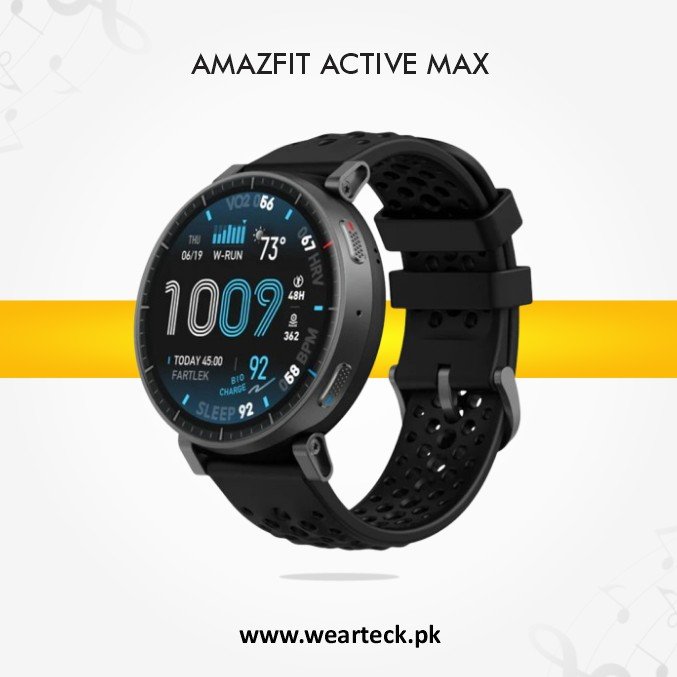
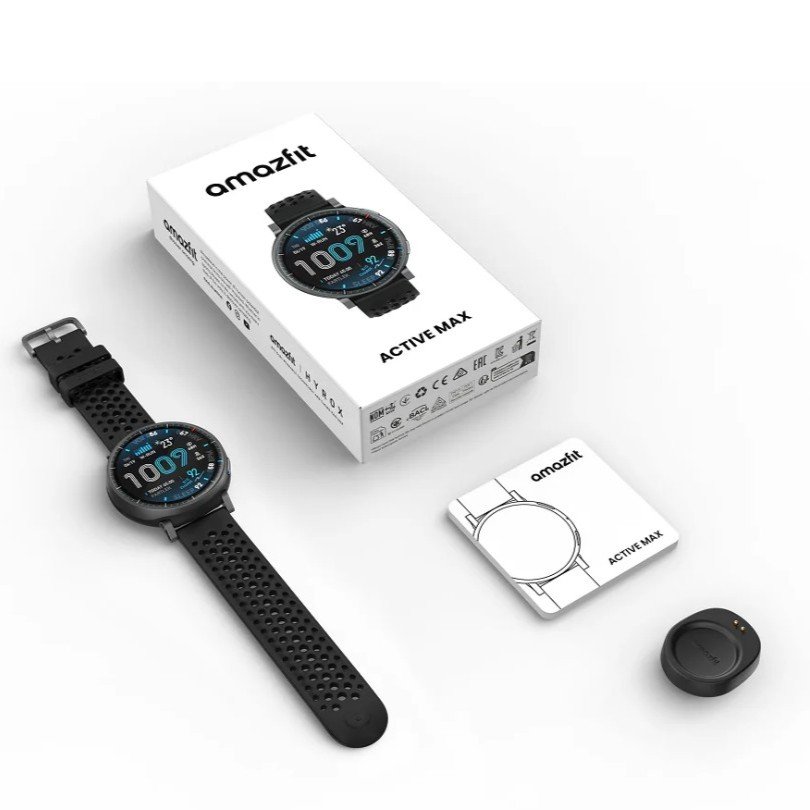
The Amazfit Active Max Smart Watch is a premium fitness smartwatch built for athletes, outdoor enthusiasts, and everyday users who want advanced health tracking and powerful smart features. Featuring a stunning 1.5-inch ultra-bright AMOLED display with up to 3,000 nits of brightness, this smartwatch delivers exceptional visibility in both indoor and outdoor environments.
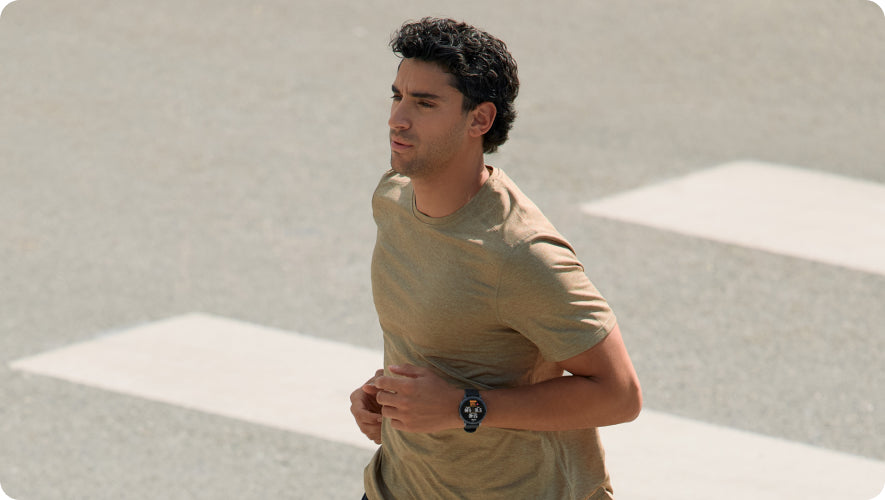
Powered by a long-lasting battery, the Amazfit Active Max offers up to 25 days of battery life, allowing you to focus on your workouts, travel, and daily activities without frequent charging. Its lightweight and comfortable design makes it suitable for all-day wear.
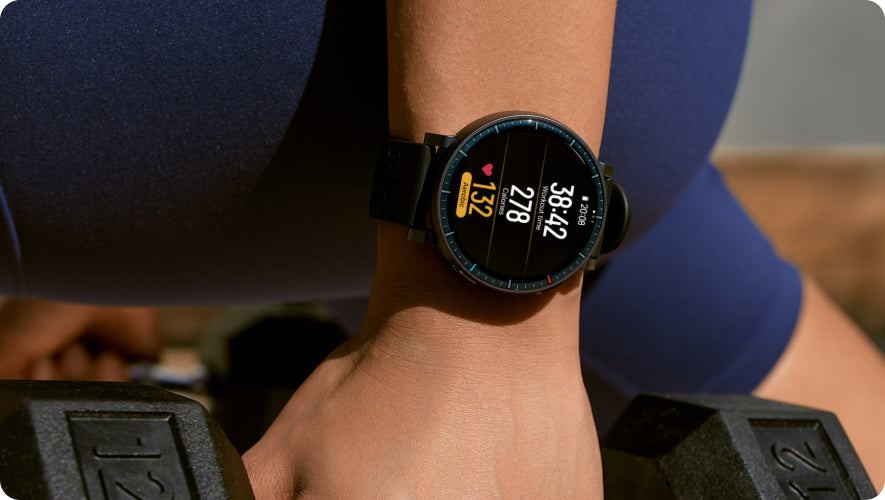
The smartwatch supports 170+ workout modes, including Smart Strength Training and personalized guidance through Zepp Coach™, helping you optimize your training with AI-powered recommendations. The innovative BioCharge™ Energy Monitoring feature provides valuable insights into your body’s energy levels, helping you balance exercise and recovery.
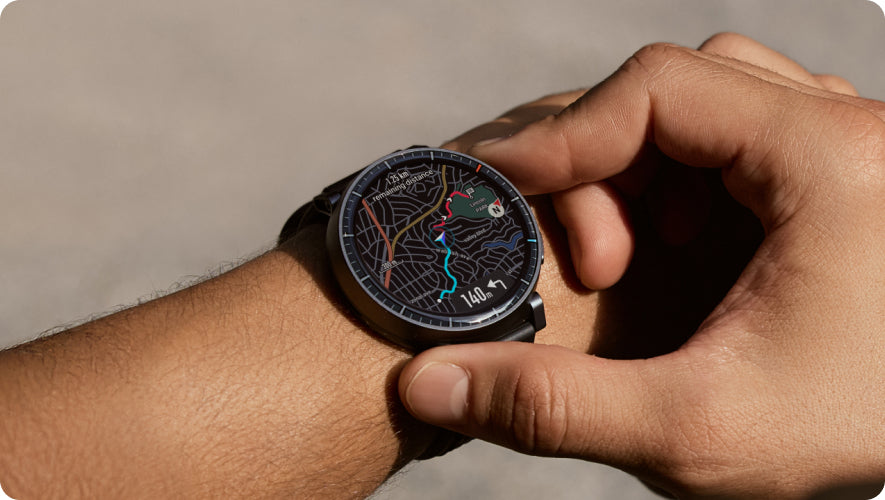
With 4GB of built-in storage, you can store up to 100 hours of podcasts and use offline maps for outdoor adventures without relying on your smartphone. The Zepp App provides detailed insights into your fitness, nutrition, sleep quality, stress levels, and overall health, helping you stay on track with your wellness goals.
The Amazfit Active Max also supports Bluetooth calling, smart notifications, music controls, and seamless compatibility with both Android and iOS devices. Whether you’re training, hiking, working, or relaxing, this smartwatch delivers the performance, intelligence, and reliability you need every day.
Upgrade your fitness journey with the Amazfit Active Max Smart Watch and enjoy advanced tracking, intelligent coaching, and exceptional battery life in one premium wearable.
For more premium wearable options, explore our Smart Watches Collection to discover additional smartwatches available at WearTeck.
To learn more about Amazfit products, Zepp OS innovations, and official smartwatch features, visit the Amazfit Official Website.
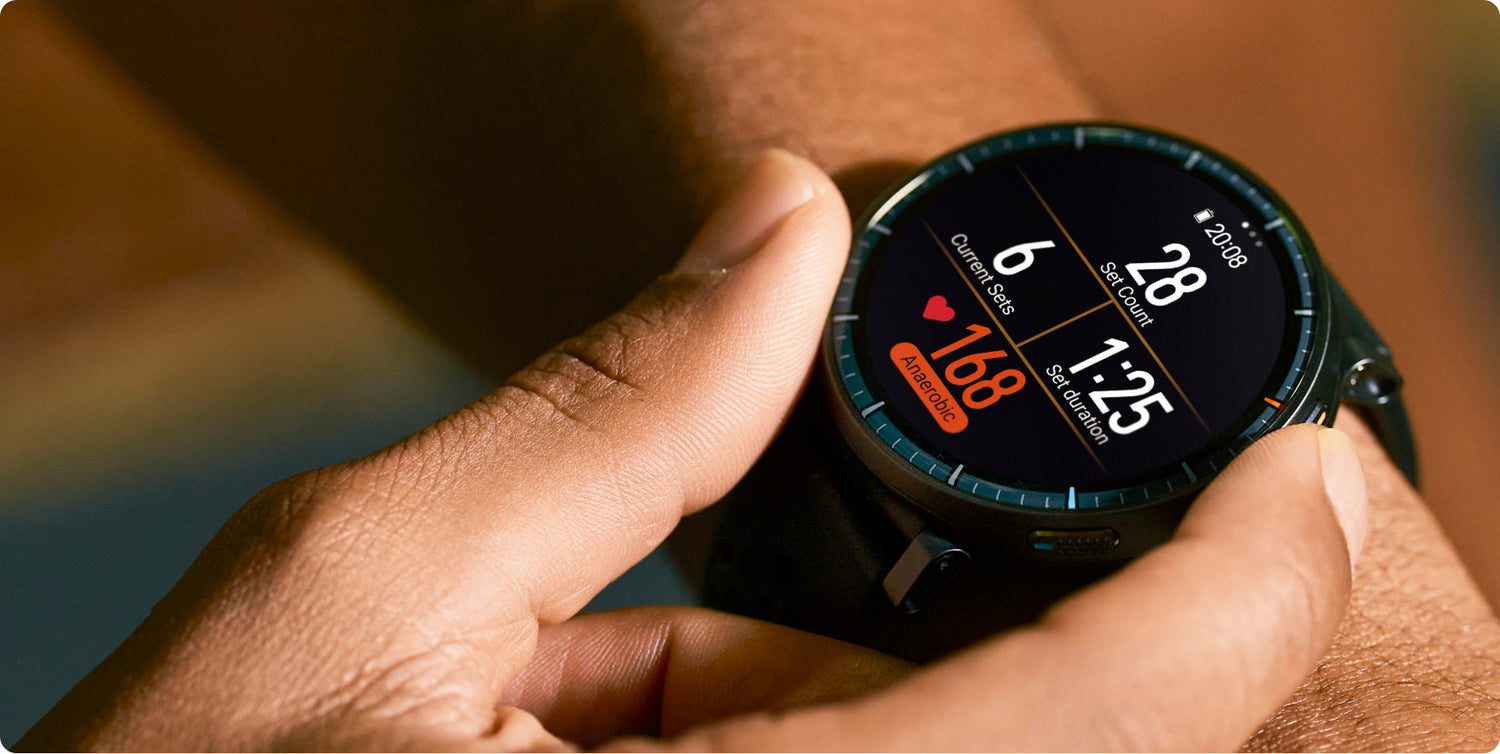
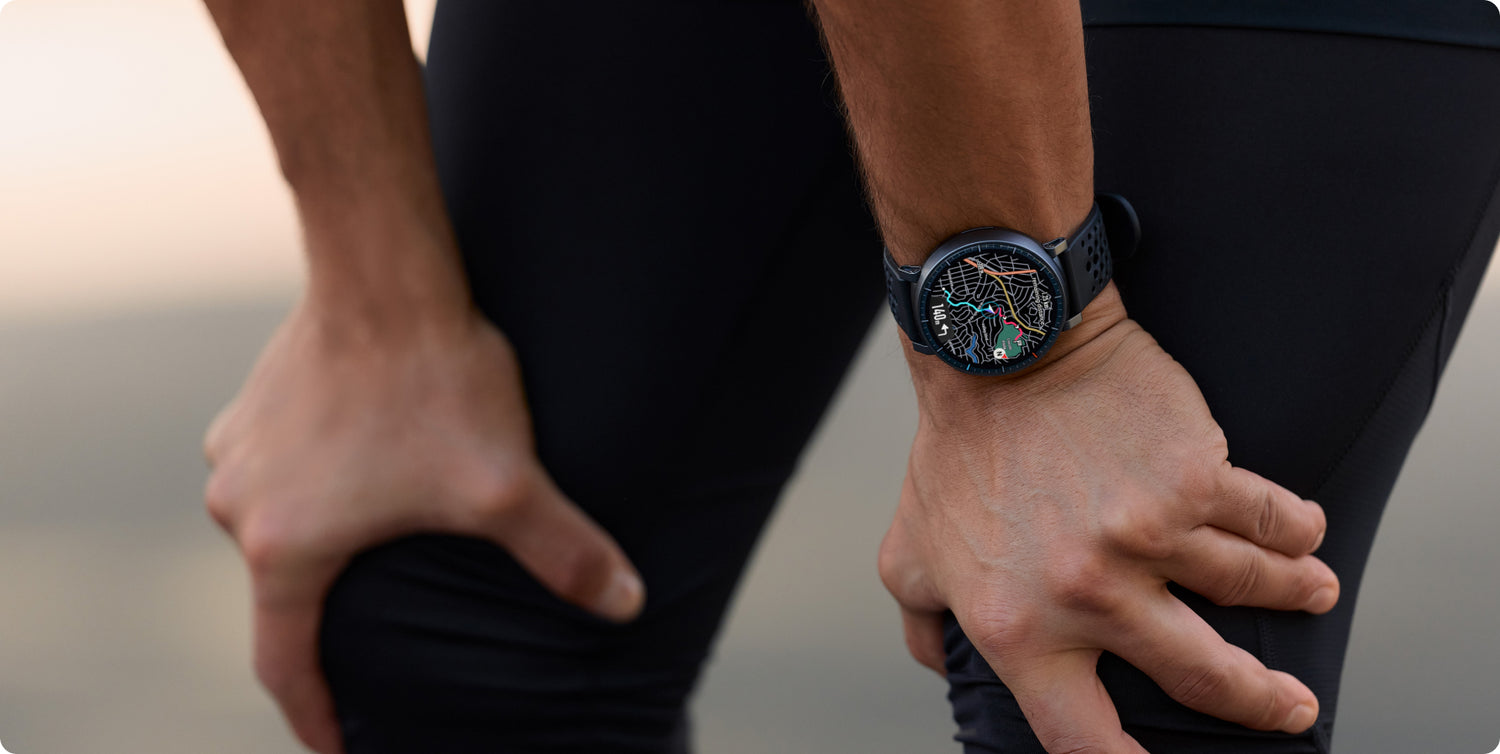

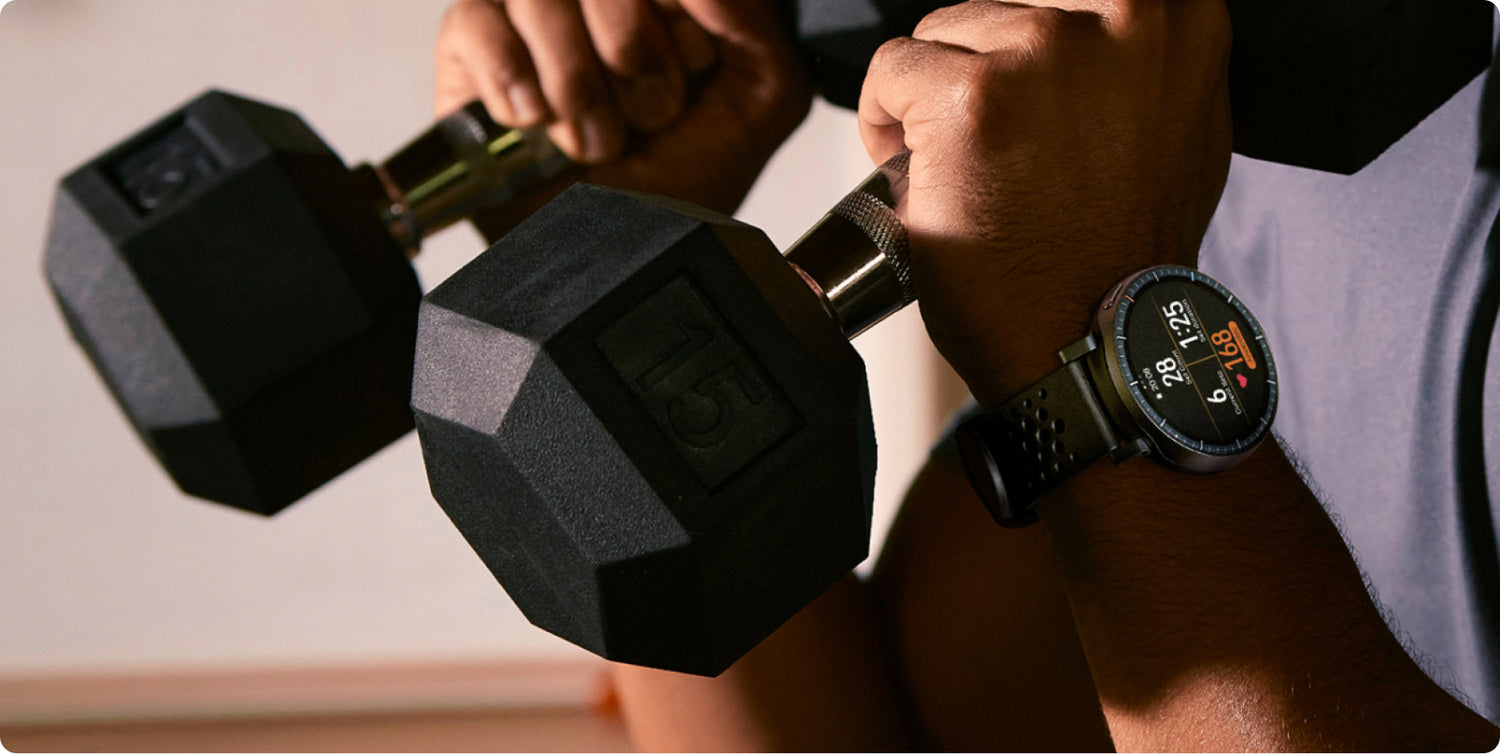
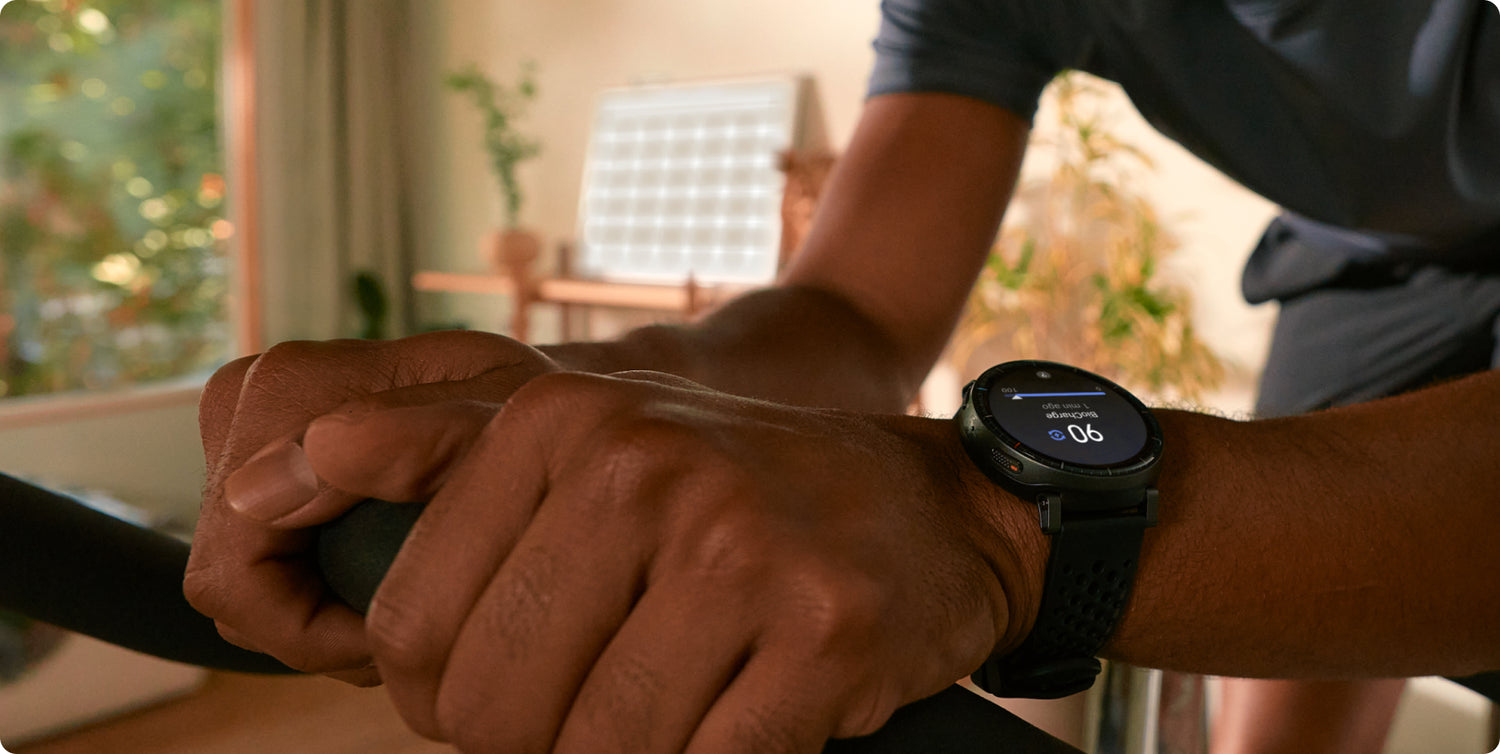

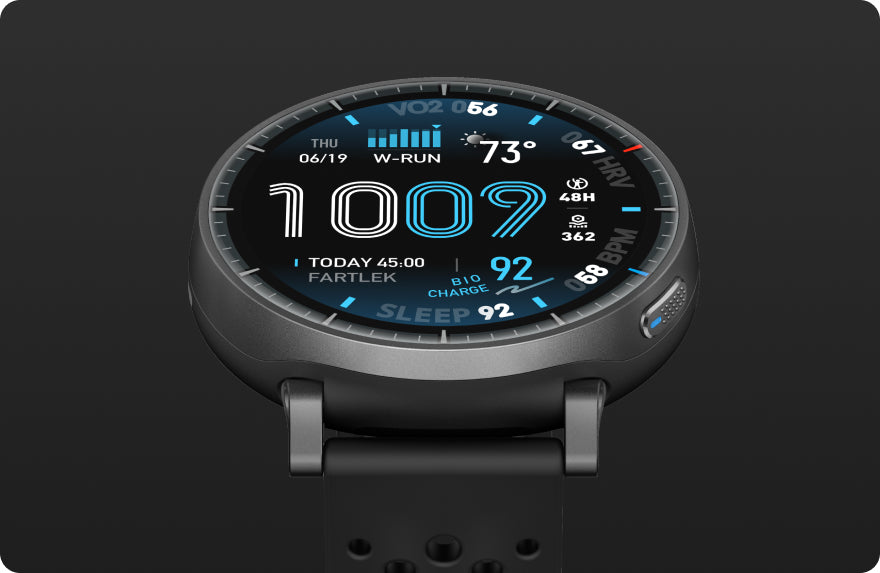
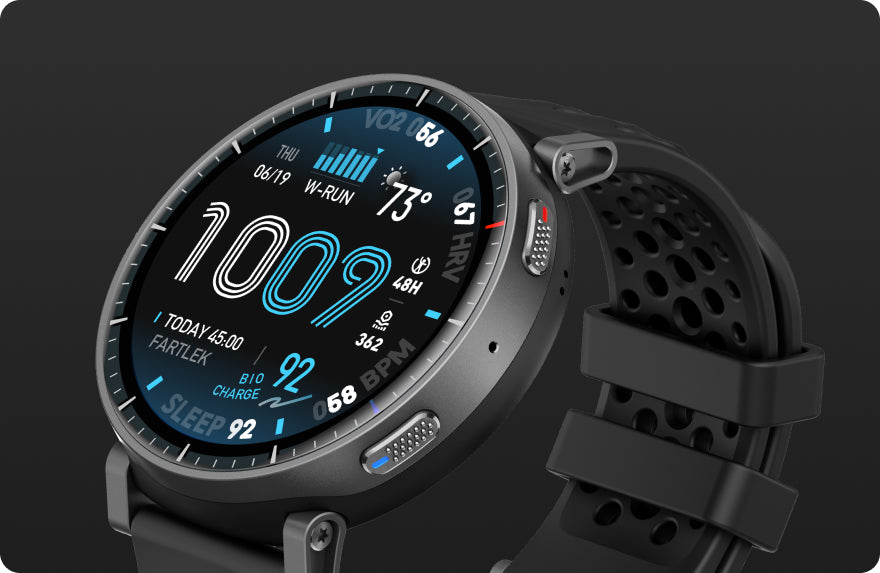
The Amazfit Active Max Smart Watch is a premium fitness smartwatch built for athletes, outdoor enthusiasts, and everyday users who want advanced health tracking and powerful smart features. Featuring a stunning 1.5-inch ultra-bright AMOLED display with up to 3,000 nits of brightness, this smartwatch delivers exceptional visibility in both indoor and outdoor environments.
Powered by a long-lasting battery, the Amazfit Active Max offers up to 25 days of battery life, allowing you to focus on your workouts, travel, and daily activities without frequent charging. Its lightweight and comfortable design makes it suitable for all-day wear.
The smartwatch supports 170+ workout modes, including Smart Strength Training and personalized guidance through Zepp Coach™, helping you optimize your training with AI-powered recommendations. The innovative BioCharge™ Energy Monitoring feature provides valuable insights into your body’s energy levels, helping you balance exercise and recovery.
With 4GB of built-in storage, you can store up to 100 hours of podcasts and use offline maps for outdoor adventures without relying on your smartphone. The Zepp App provides detailed insights into your fitness, nutrition, sleep quality, stress levels, and overall health, helping you stay on track with your wellness goals.
The Amazfit Active Max also supports Bluetooth calling, smart notifications, music controls, and seamless compatibility with both Android and iOS devices. Whether you’re training, hiking, working, or relaxing, this smartwatch delivers the performance, intelligence, and reliability you need every day.
Upgrade your fitness journey with the Amazfit Active Max Smart Watch and enjoy advanced tracking, intelligent coaching, and exceptional battery life in one premium wearable.
For more premium wearable options, explore our Smart Watches Collection to discover additional smartwatches available at WearTeck.
To learn more about Amazfit products, Zepp OS innovations, and official smartwatch features, visit the Amazfit Official Website.
| Dial Size: | 42.76 x 49.58 mm |
|---|---|
| Dial Thickness | 13.24 mm |
| Display Size | 1.5 inches |
| Display Type | Ultra-bright AMOLED Display (3,000 nits peak brightness |
| Display Resolution | 432 x 514 pixels (324 PPI) |
| Battery Capacity | Up to 25 days (Typical use) |
| Charging Time | Approx. 2 hours |
| Water Proof | 5 ATM (Up to 50 meters water resistance) |
| Storage | 4GB Onboard Storage (For Songs & Offline Maps) |
| Extra Features | Built-in GPS with Free Downloadable Offline Maps |
Yes, the Amazfit Active Max Smart Watch purchased from Wearteck comes with a warranty. If you experience any issue with your smartwatch, our customer support team in Karachi will assist you with the warranty process and provide reliable after-sales support.
Yes, Cash on Delivery is available across Pakistan, including Karachi, Lahore, Islamabad, and all major cities. You can order the Amazfit Active Max Smart Watch online and pay only when your order is delivered to your doorstep.
Delivery typically takes 2–4 working days across Pakistan. Orders placed before 2pm are dispatched the same day from our Karachi warehouse, while deliveries to major cities are usually completed faster.
The current price of the Amazfit Active Max Smart Watch in Pakistan is displayed above and is regularly updated. Wearteck offers competitive prices on genuine Amazfit products with no hidden charges.
Yes, all Amazfit Active Max Smart Watch products sold by Wearteck are 100% original and sourced directly from authorized distributors. We do not sell replicas or copies, and every purchase is backed by our quality guarantee.